Not Big Box Sports
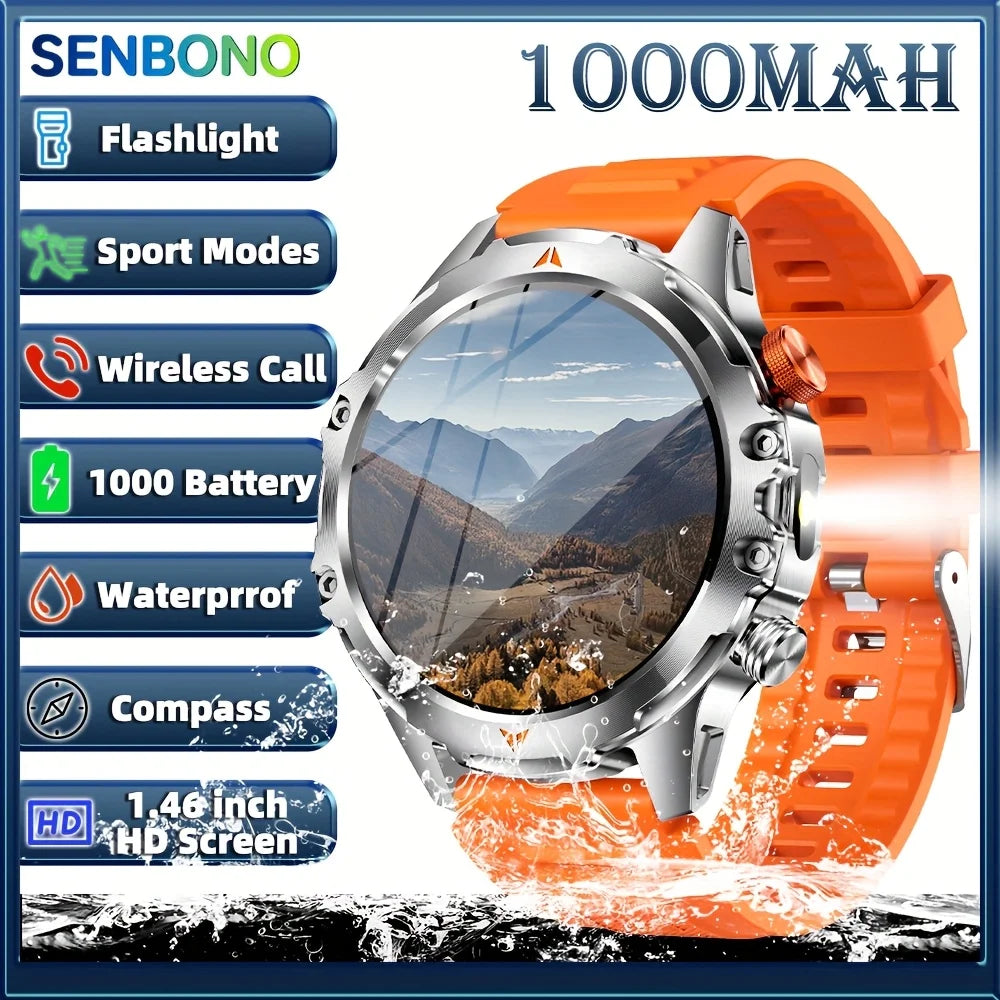
SENBONO AMOLED Smart Watch for Men 1100mAh Battery 25+Day Use Time Compass IP68 Waterproof Sport Men‘s Smartwatch for Men Women
SENBONO AMOLED Smart Watch for Men 1100mAh Battery 25+Day Use Time Compass IP68 Waterproof Sport Men‘s Smartwatch for Men Women
Couldn't load pickup availability
SPECIFICATIONS
Activity Tracked: Other,Steps Tracker,Distance Tracker,Calorie Tracker,Activity Tracker
App name: Hband
Application Age Group: Adult
Battery Capacity(mAh): >450mAh
Battery Life: 25
Bluetooth-compatible Version: 5.3
Brand Name: SENBONO
Case Material: Alloy
Category: Smart Watches
Certification: CE,Dot,EAC,EPA,FCC,GMP,RoHS,TGA,UL,KC,pse,weee,NONE,MIC,BQB,NCC,SRRC,PRO65,TPCH,BPA,CEC,DOE,fda,CPSC,Reach
Compatibility: All Compatible
Dial Window Material Type: Glass
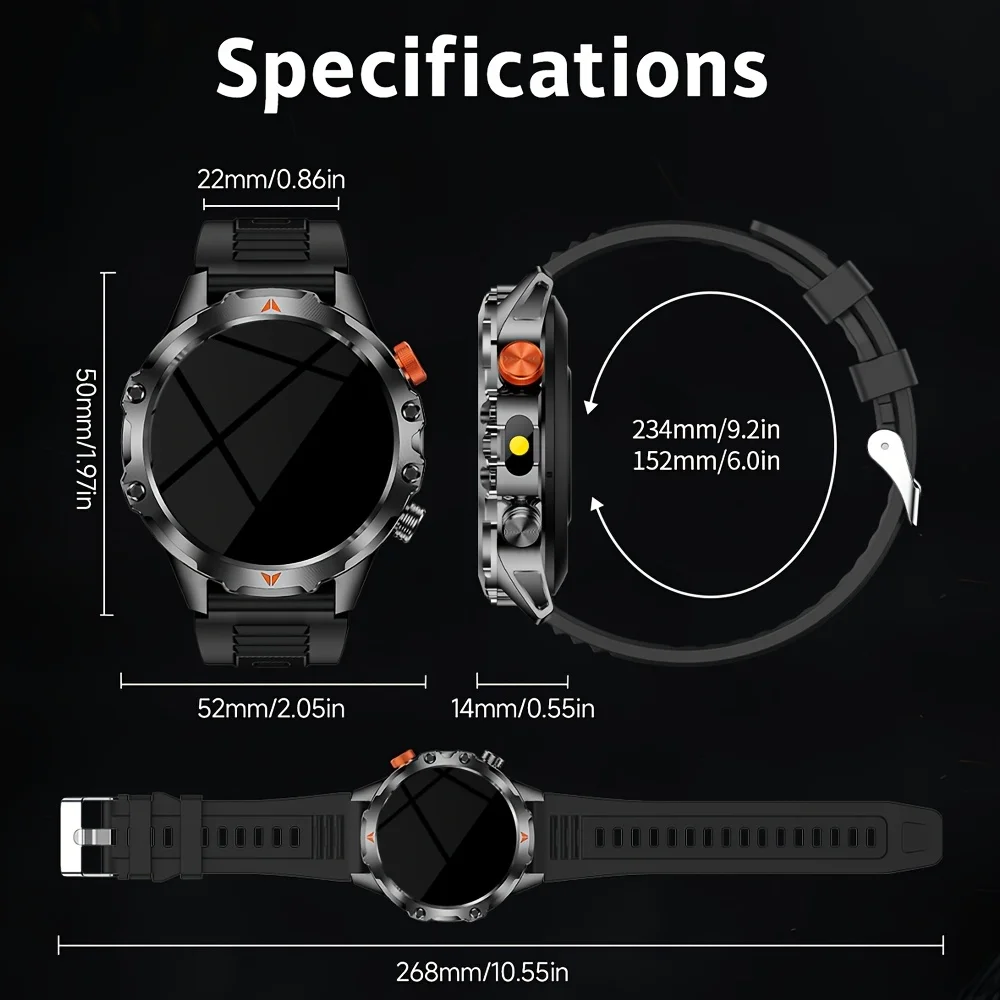
Display Size: 1.46INCH
Function: Passometer,fitness tracker,sleep tracker,Message Reminder,Call Reminder,Answer Call,Dial Call,Remote Control,Chronograph,Alarm Clock,World Time,Calorie Counter,Power Reserve,week,Month,Heart Rate Tracker,Interactive Music,Compass,Lighting,Countdown
GPS: No
High-concerned chemical: None
Language: English,Russian,Spanish,Polish,Portuguese,Italian,French,German,Korean,Japanese
Launch Date: 2025
Mechanism: No
Metrics measured: Heart Rate Monitor,Other,Sleep Monitor
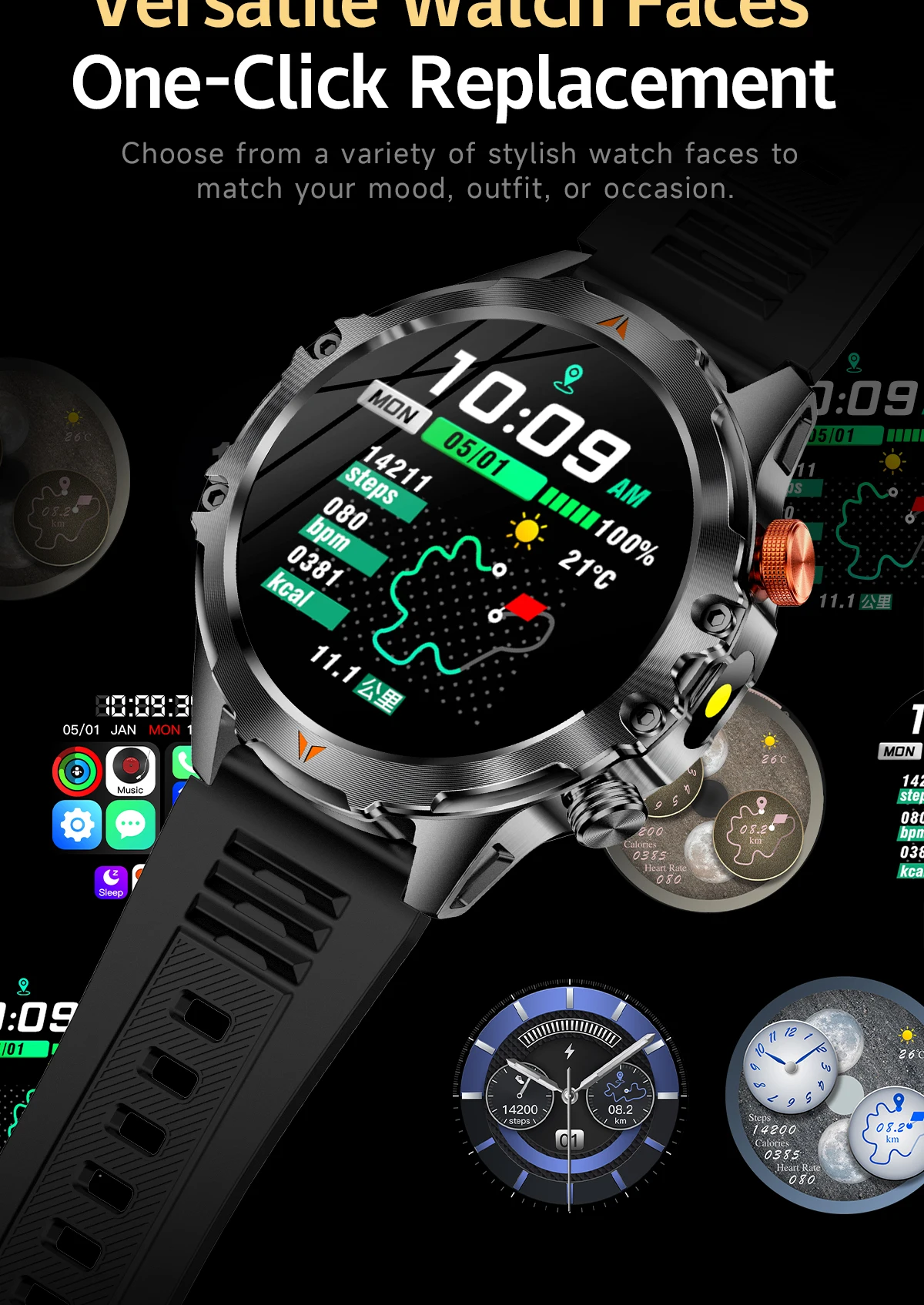
Multiple Dials: Yes
Network Mode: None
Origin: Mainland China
RAM: <128MB
ROM: <128MB
Rear Camera: None
Resolution: 360*360
SIM Card Available: No
Screen Material: IPS
Screen Shape: SQUARE
Style: SPORT
Support Alexa: N
System: None
Touch Screen: Yes
Type: On Wrist
Voice assistant built-in: Yes
WIFI: no
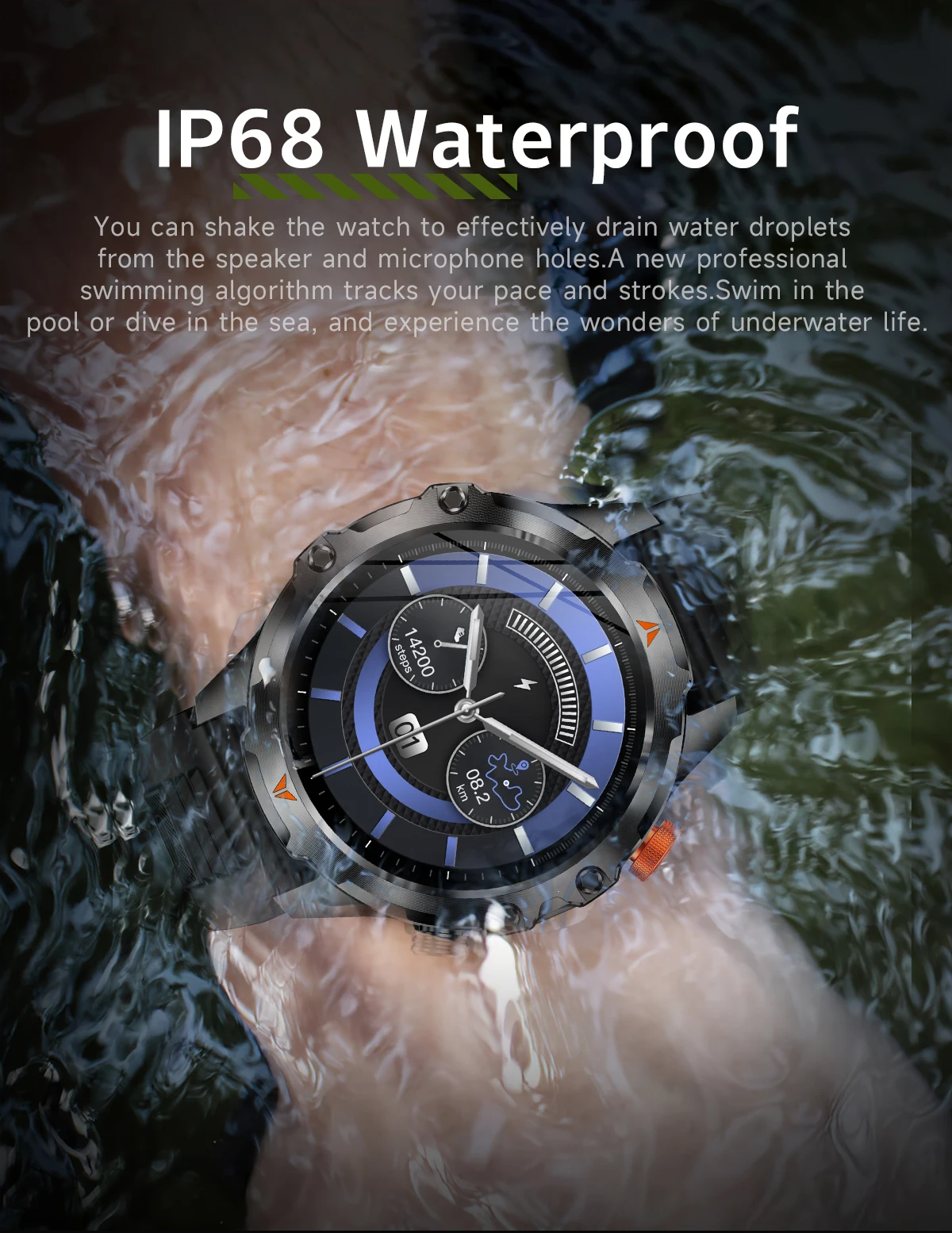
Waterproof Grade: Life Waterproof
How to charge the watch?
1. Take out the charging cable in the product box;
2. Connect the charging cable to the watch;
3. Plug the charging cable into the power source;
4.Please charge the watch more than hours first time.
How to Use The Watch
1.Download The APP from the App store.
2.Turn on "Wireless" on both your smartphone and the smartwatch.
3.Open the APP , go to "Add Device and select the watch from the list.
4.Follow the in-app prompts to complete the pairing process. Ensure the "Connect option is checked.
5.Allow"Contact and Call Permissions" when prompted, A pop-up window may appear for confirmation.
6.Turn on Wireless call, Text and APP notification.
7.Your smartwatch is now ready!