Not Big Box Sports
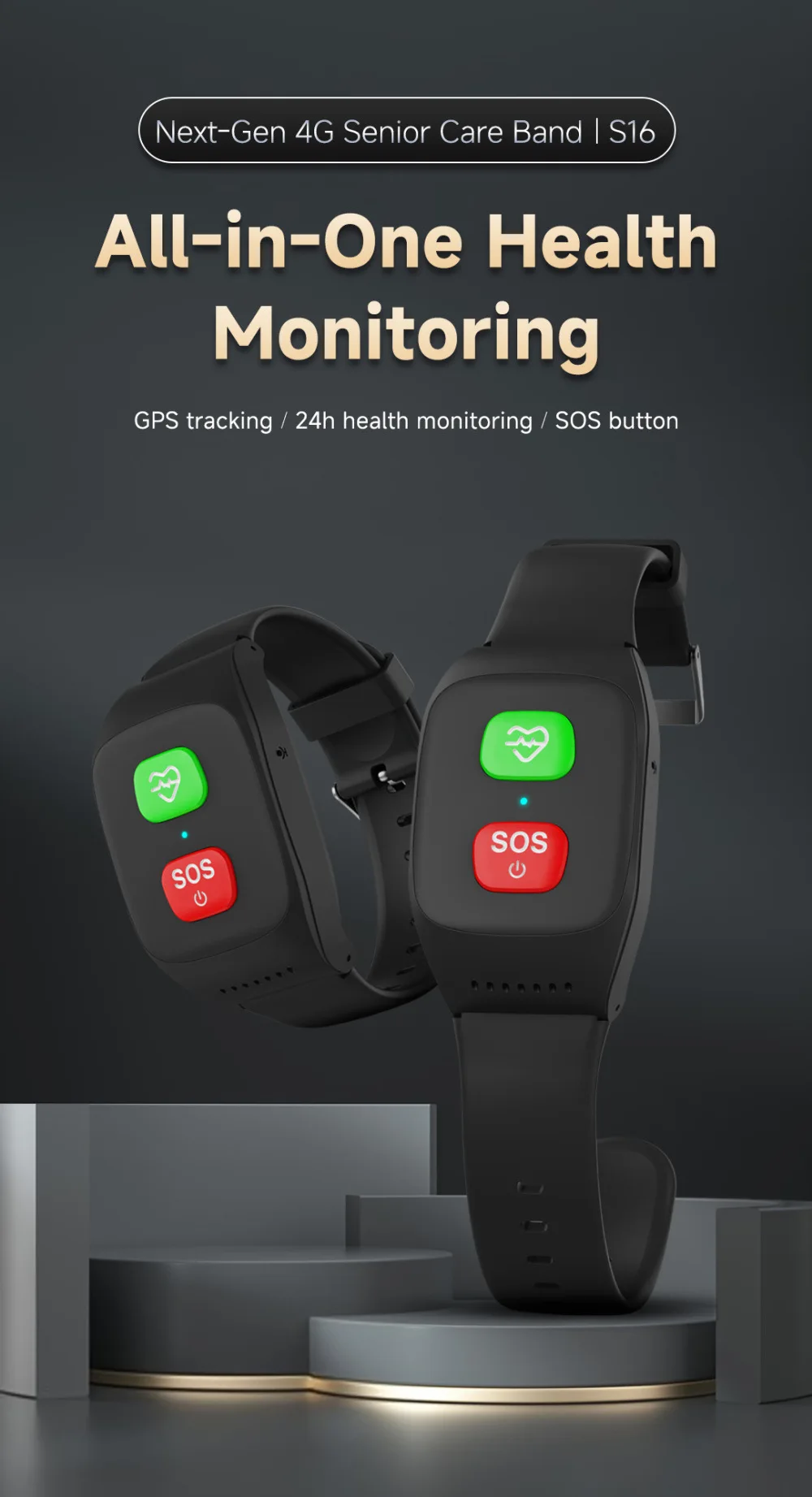
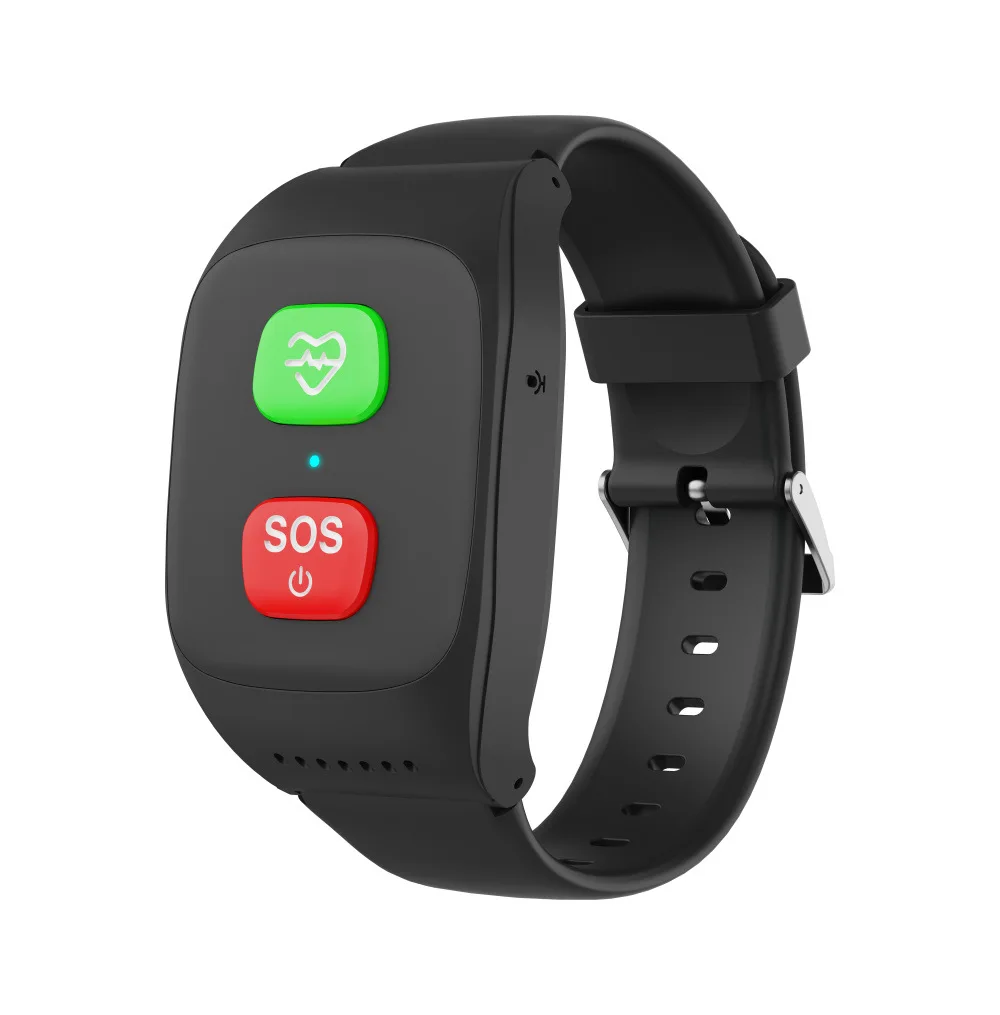
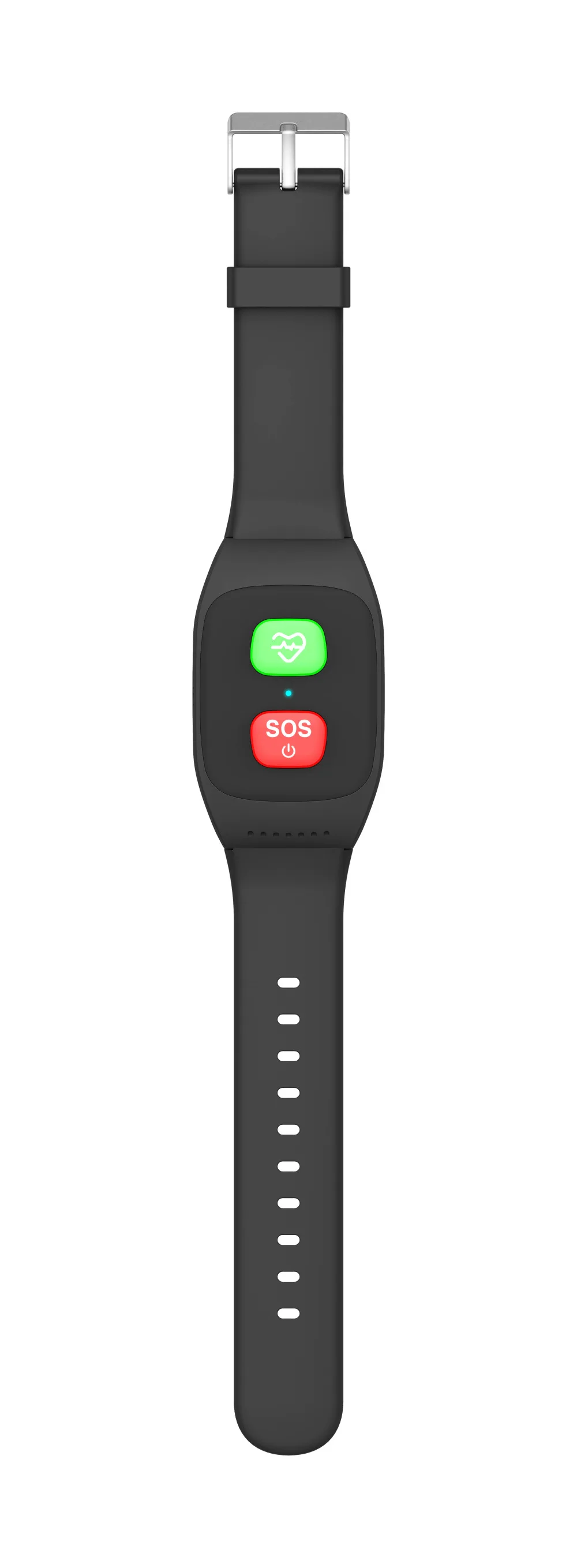
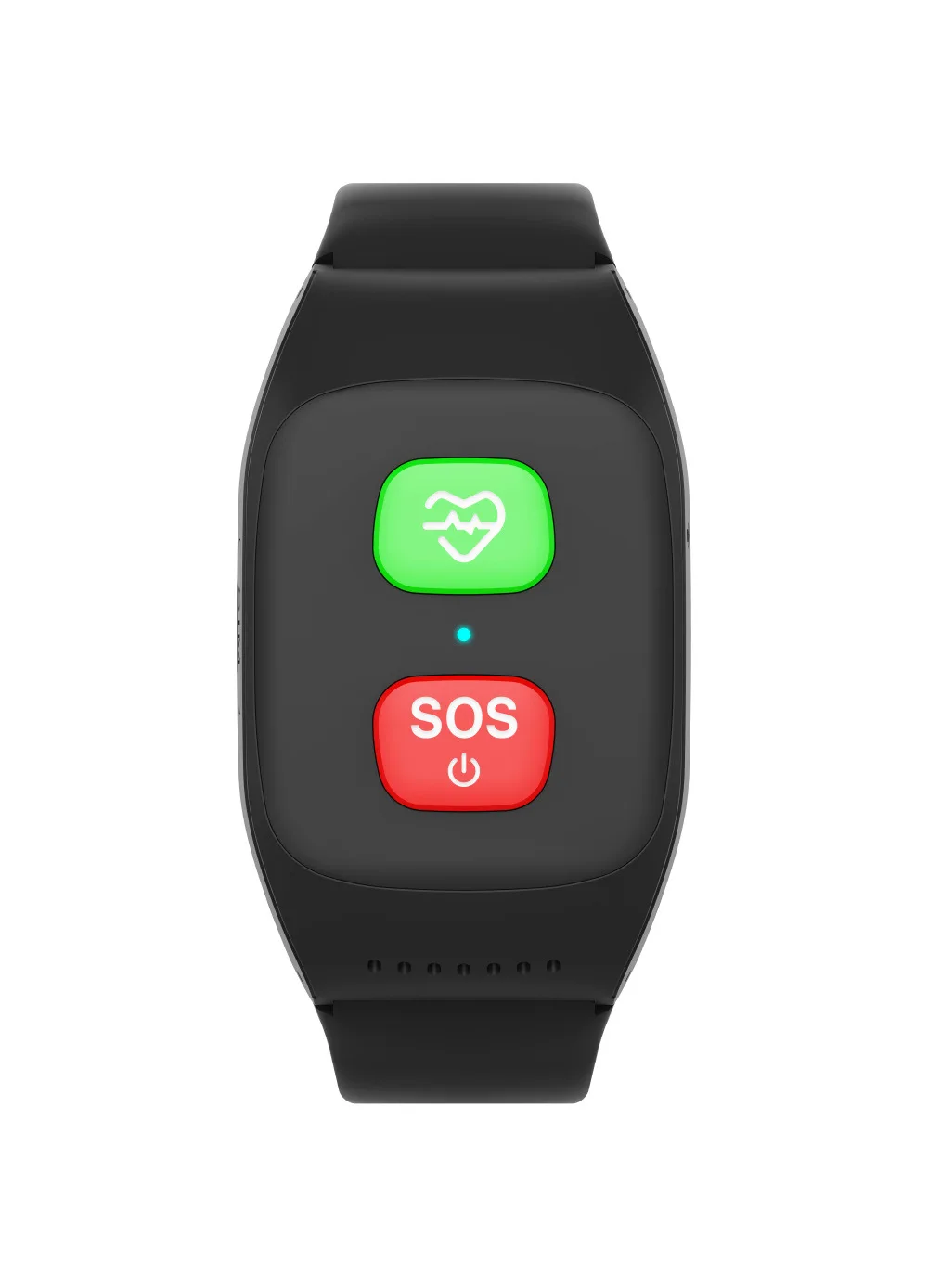
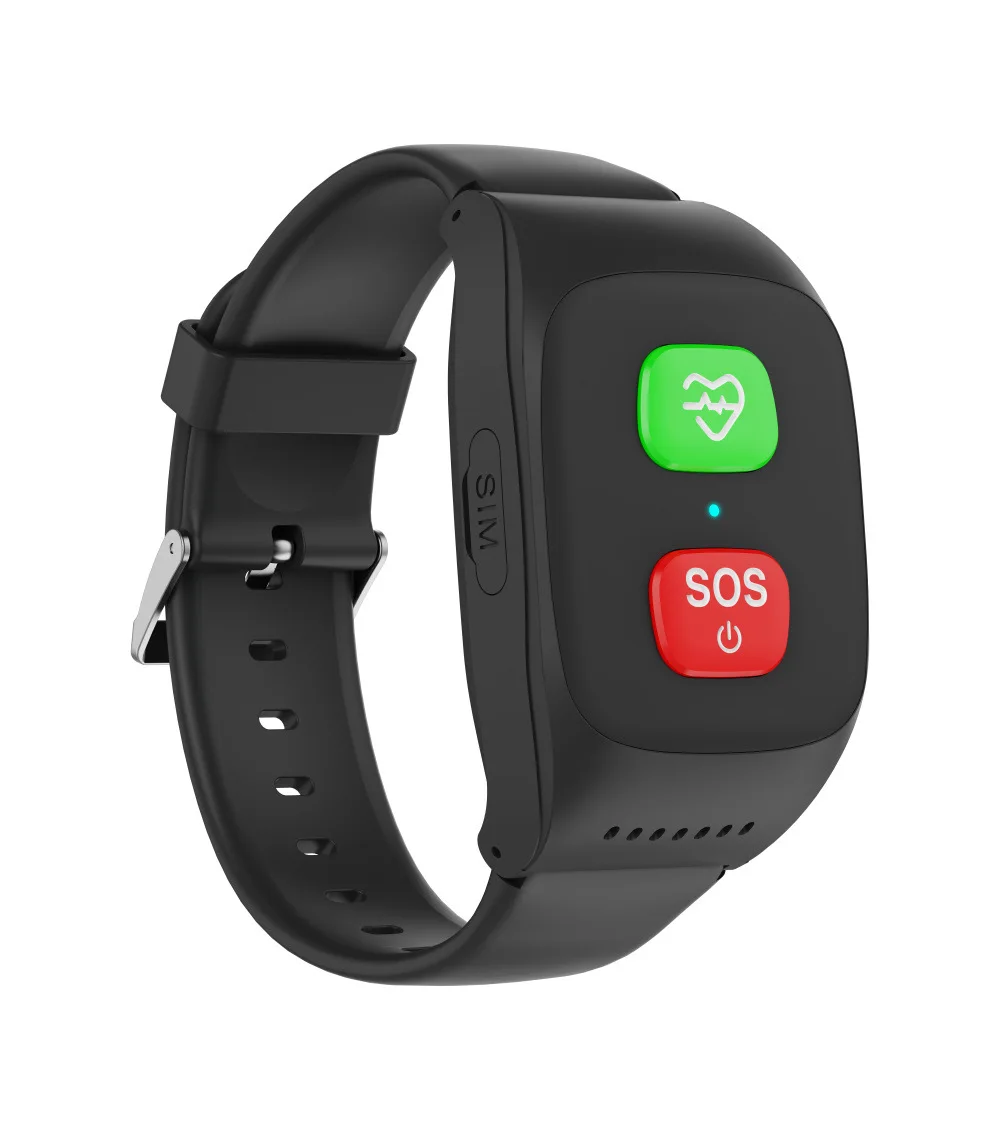
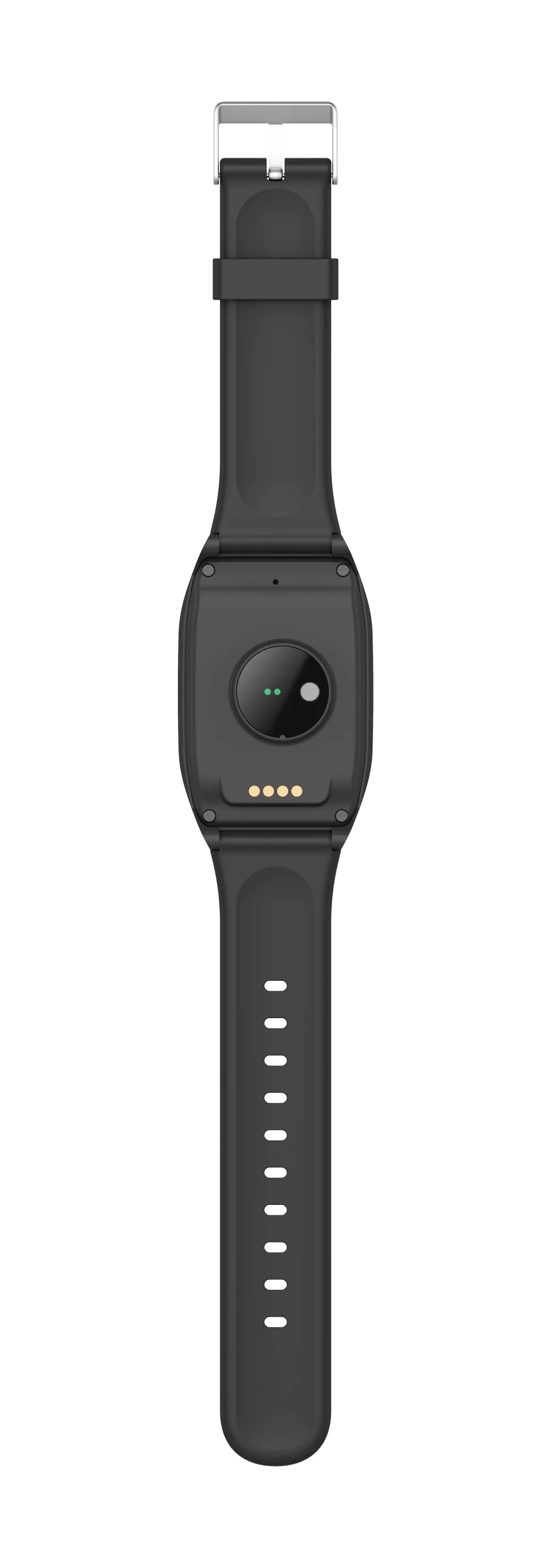
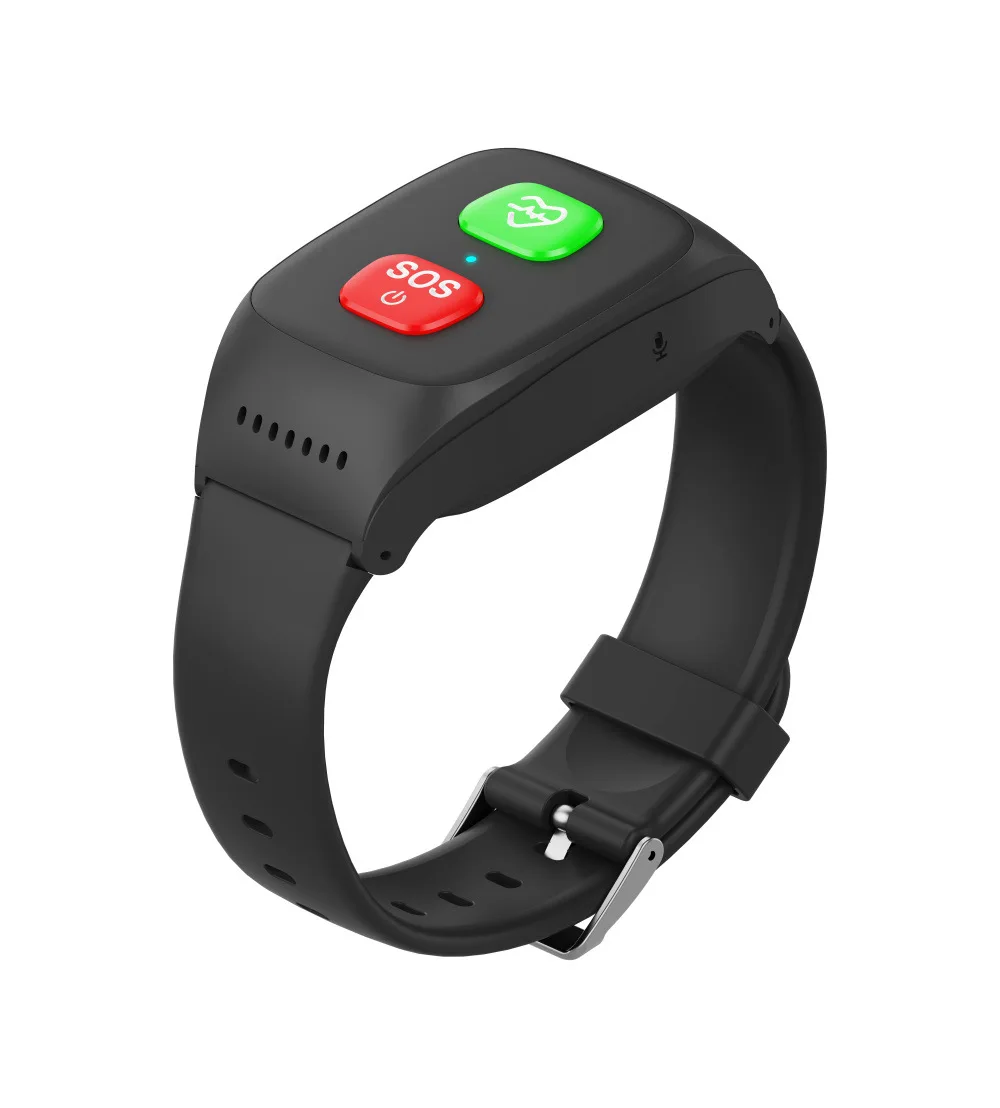
4G Elderly alarm GPS Watch 2G GPS Tracking Bracelet Health monitor SOS IP67 Waterproof Locator Fall Alert Tracker for Old People
4G Elderly alarm GPS Watch 2G GPS Tracking Bracelet Health monitor SOS IP67 Waterproof Locator Fall Alert Tracker for Old People
Couldn't load pickup availability
SPECIFICATIONS
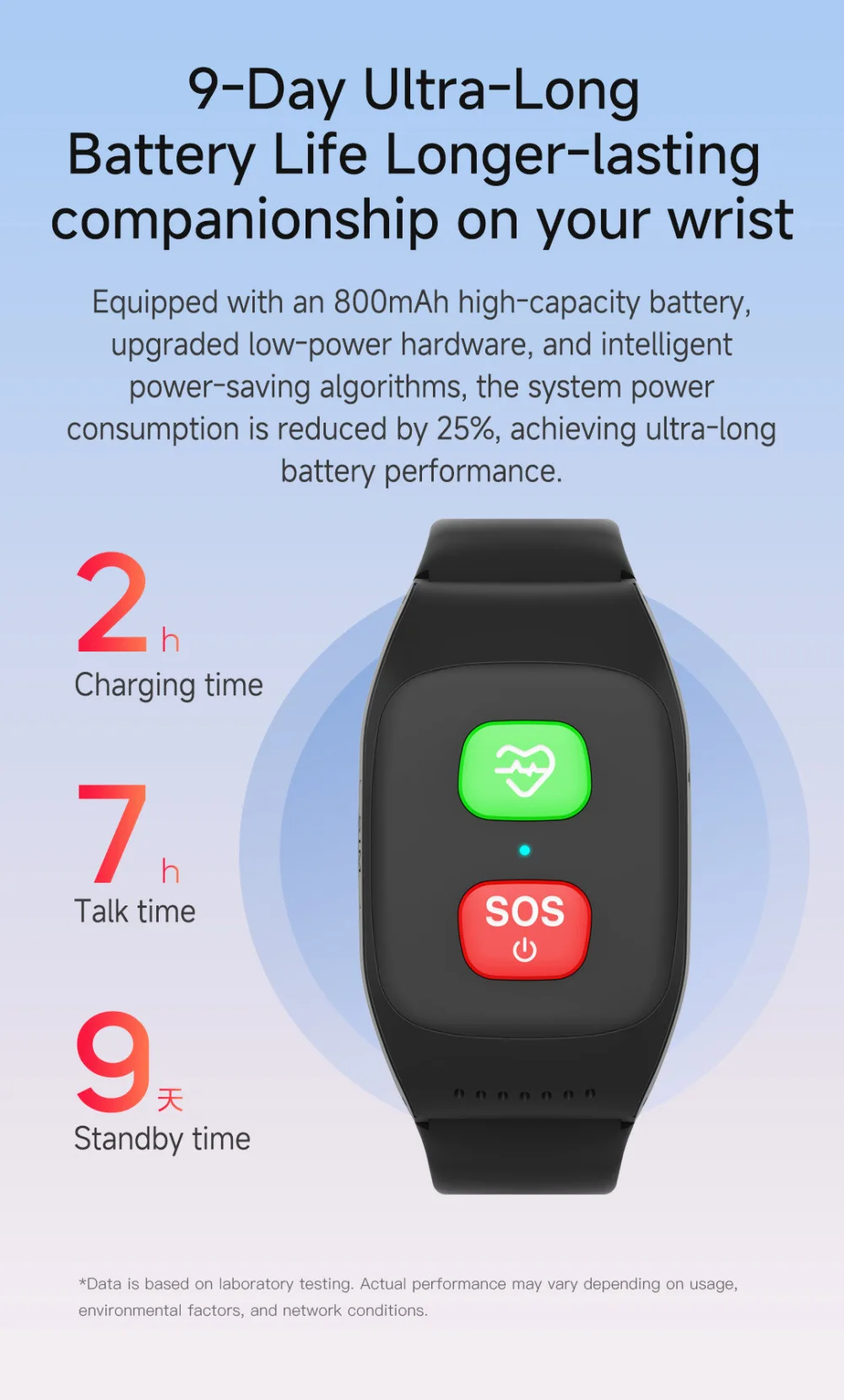
Battery Life: 30 Hours & Up
Brand Name: winkcron
Certification: CE,FCC,RoHS
GPS Geographic Location: South America
GPS type: GPS Tracker
Gps Module: Yes
High-concerned chemical: None
Is it wireless: No
Model Name: v48
Origin: Mainland China
Out Power: 5v
Screen Size: Under 2 Inches
Special Features: Remote Control
V48 Smart tracker watch: gps watch tracker
Voltage: 5V
gps tracker: old man gps tracker
smart gps tracker: gps watch
4G Elderly alarm GPS Watch 2G GPS Tracking Bracelet Health monitor SOS IP67 Waterproof Locator Fall Alert Tracker for Old People
4G LTE + 2G GSM
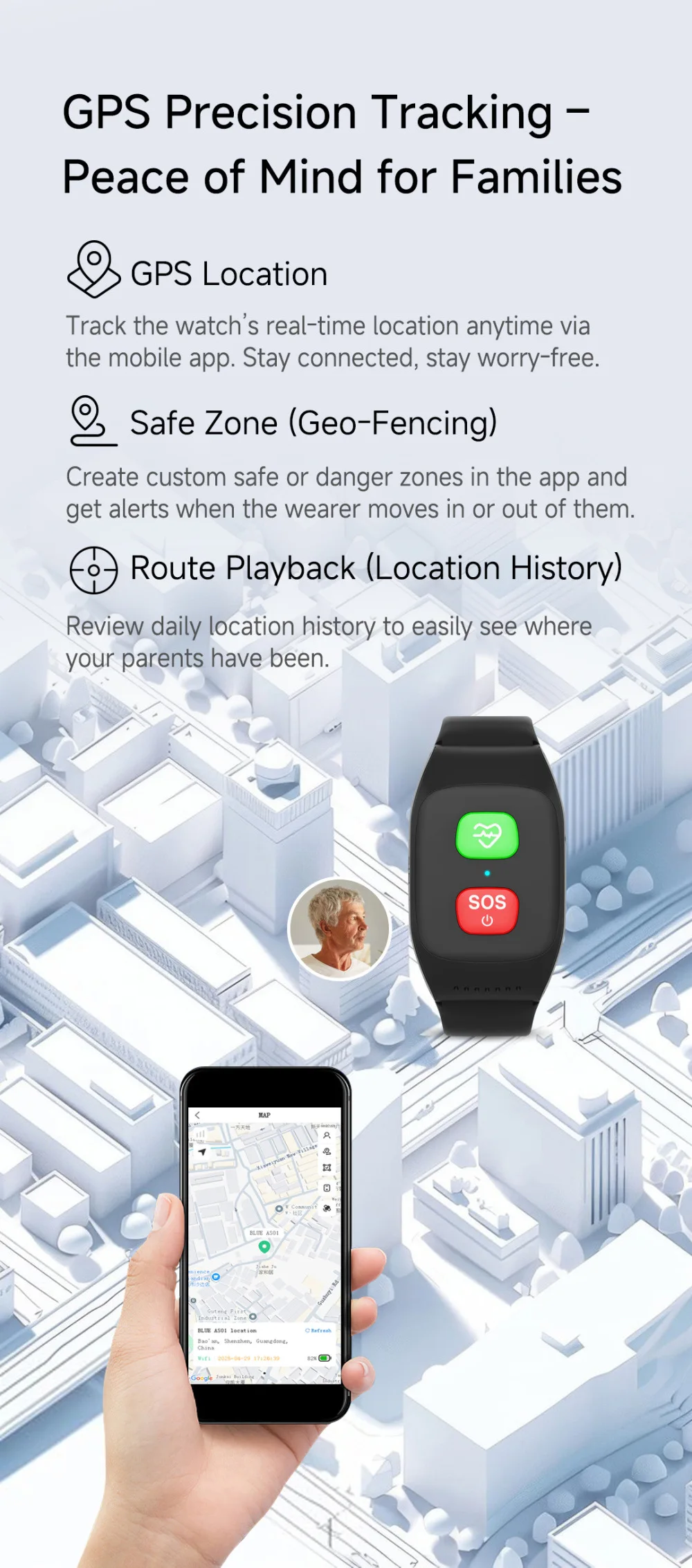
GPS + Beidou + WIFI +LBS position ways
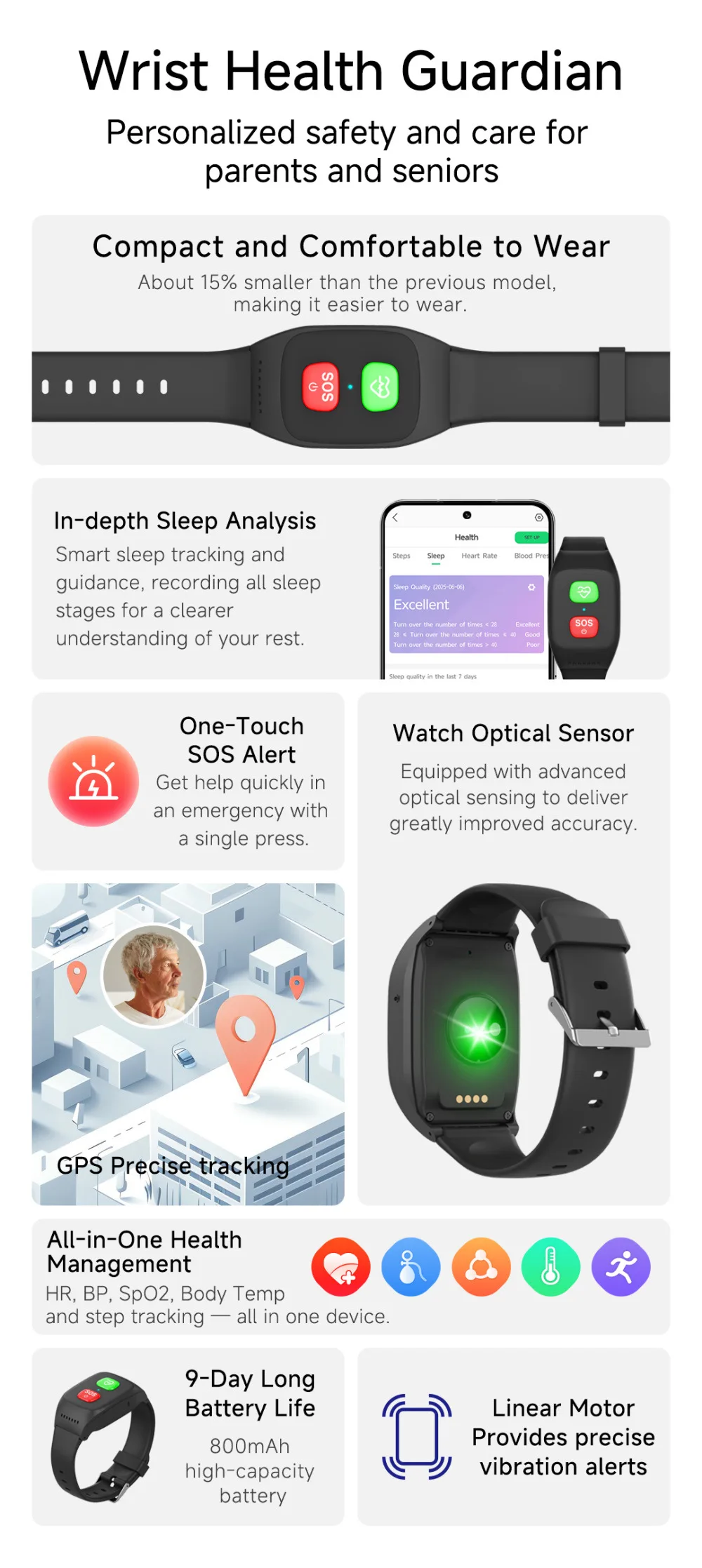
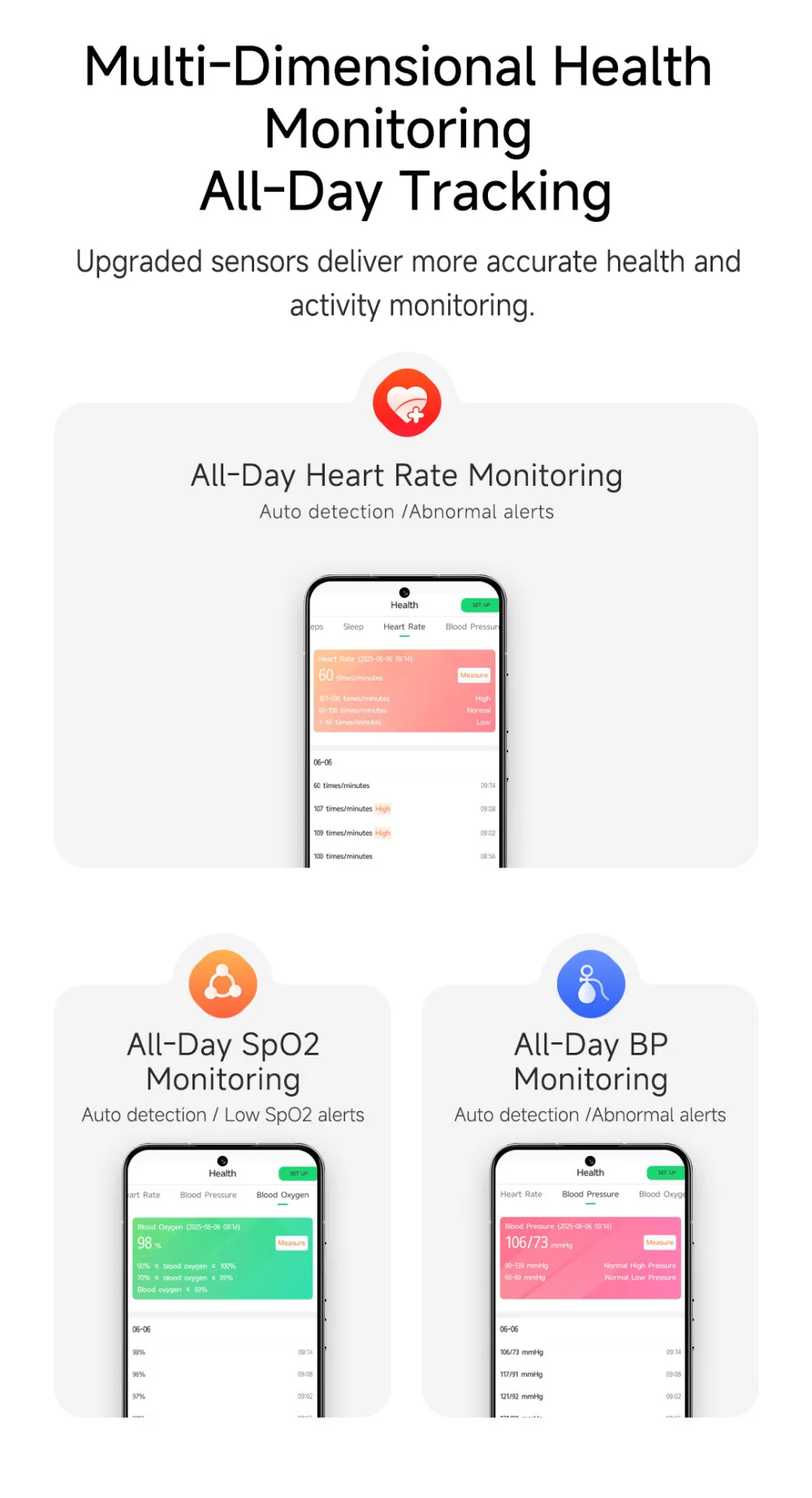
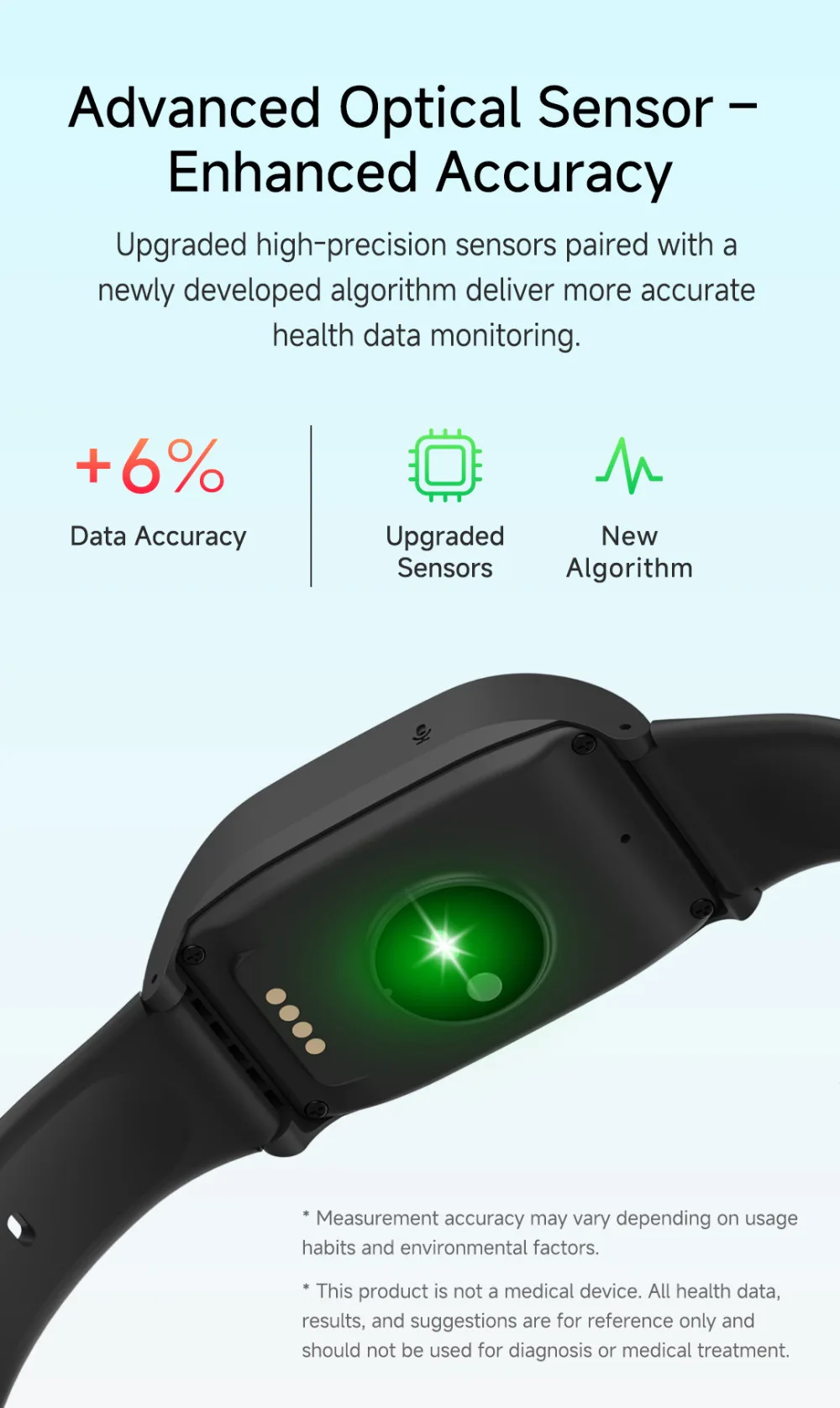
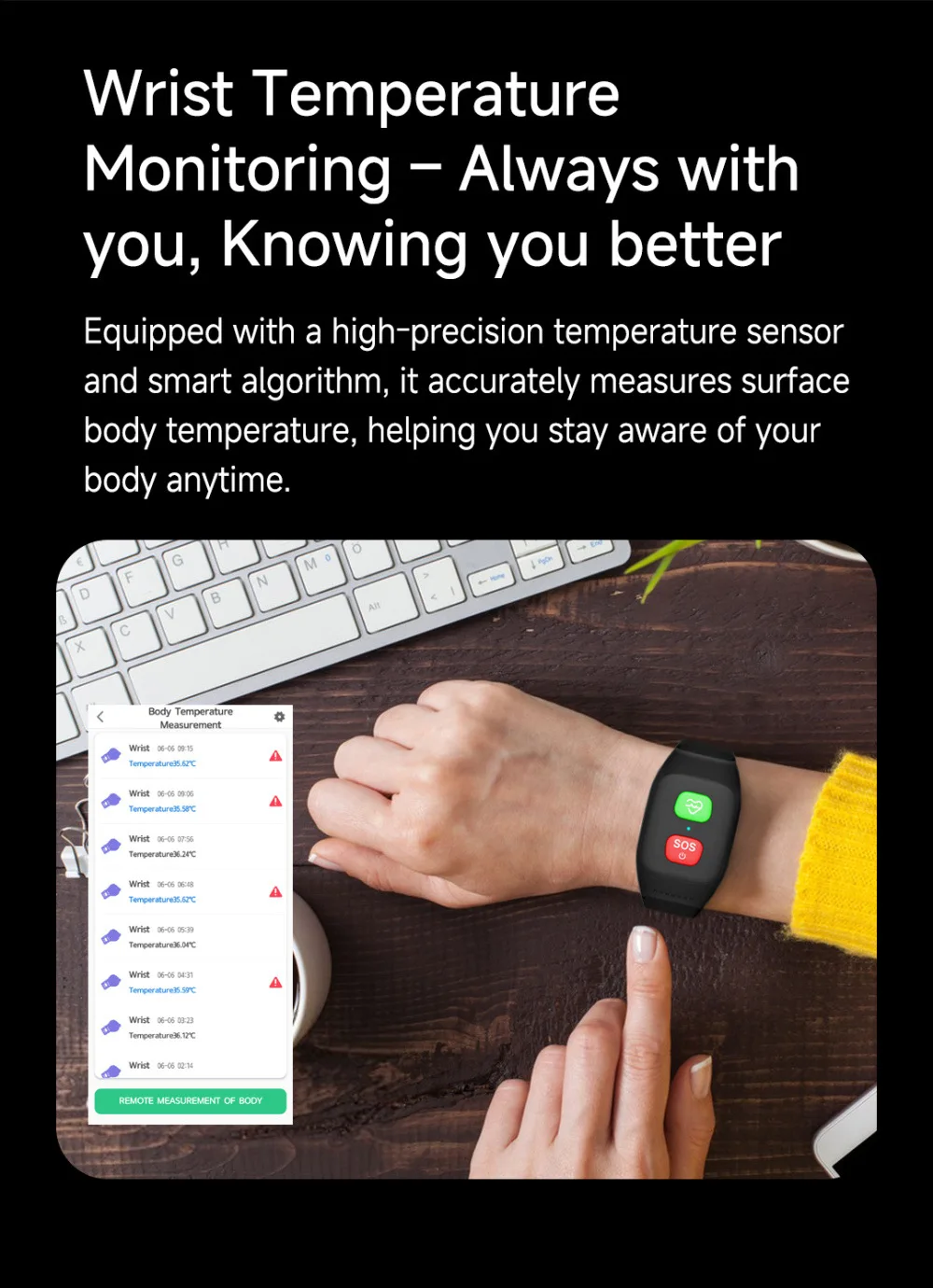
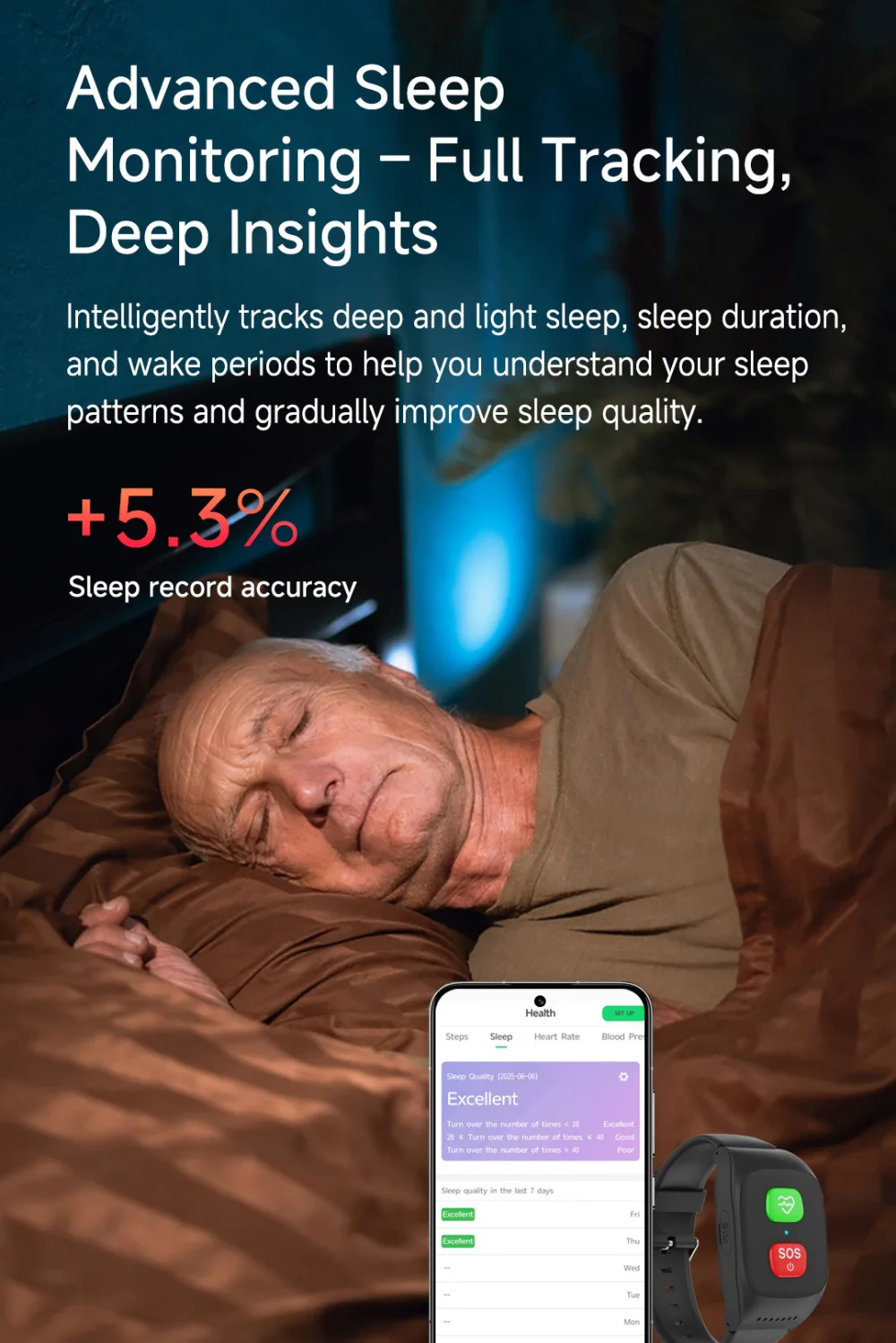
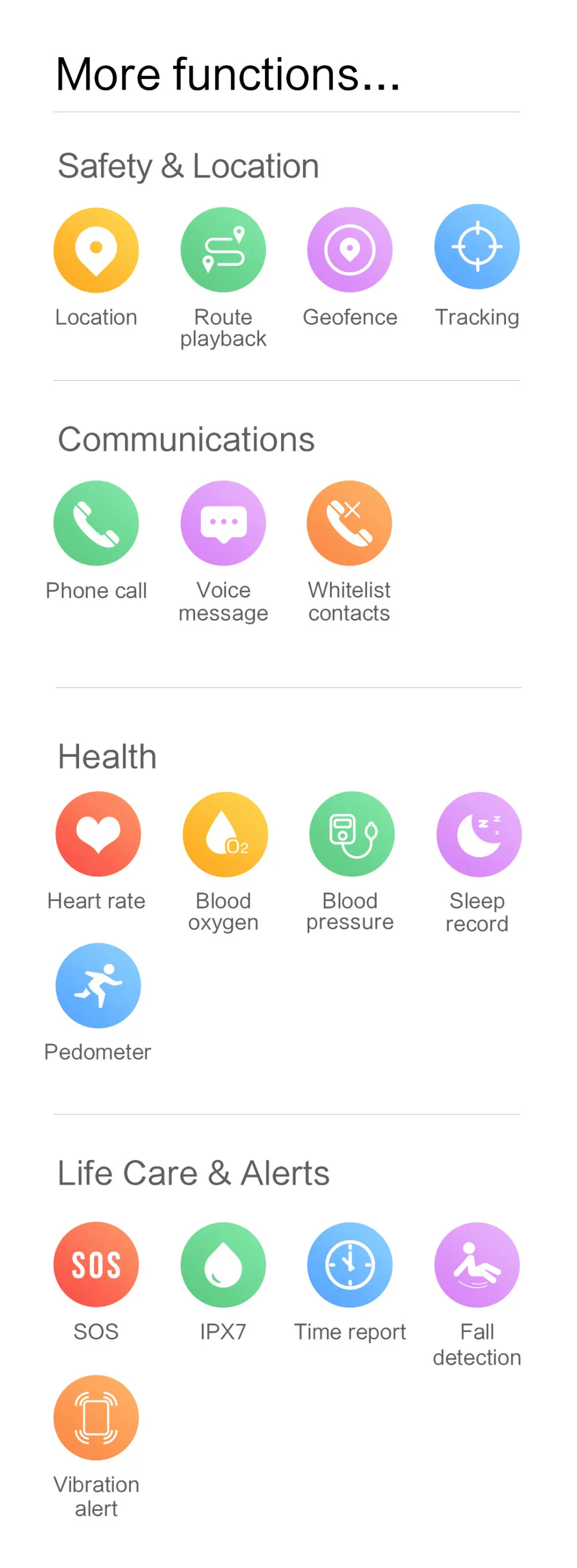
Heart rate, blood pressure and temperature detection
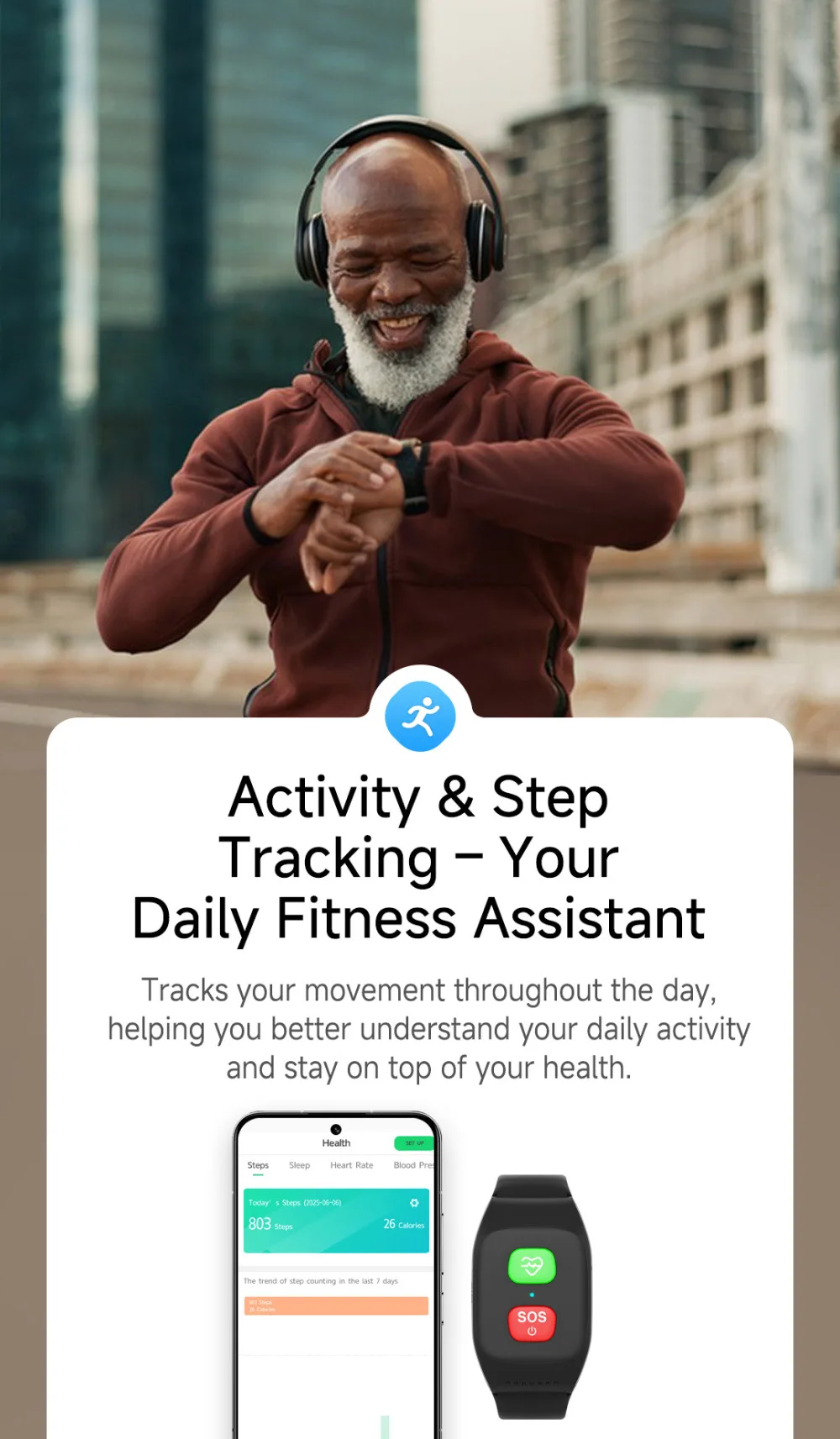
Pill reminder, step counting and health management
Waterproof level: IPX7
Web platform/ Mobile App for location check
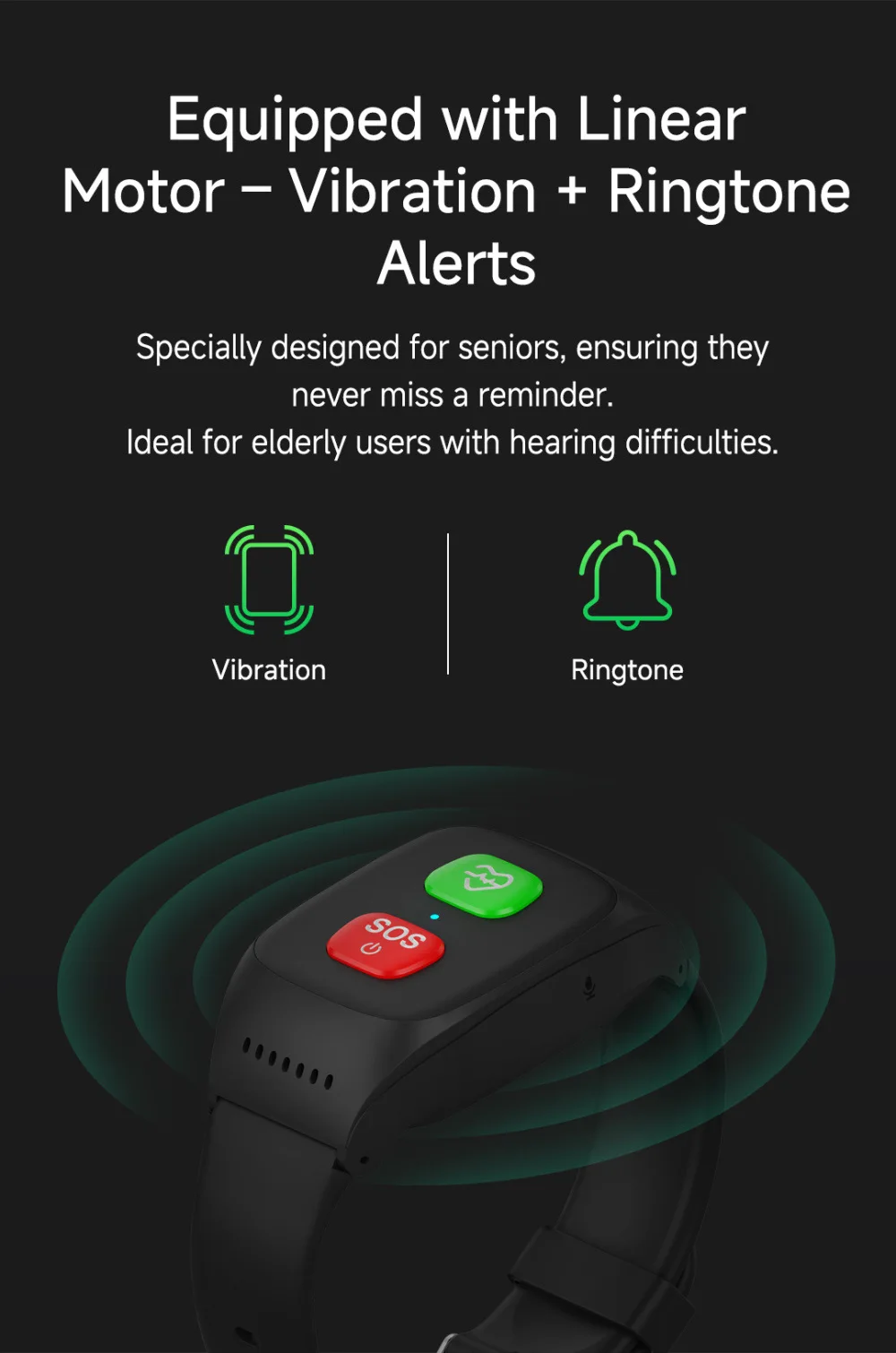
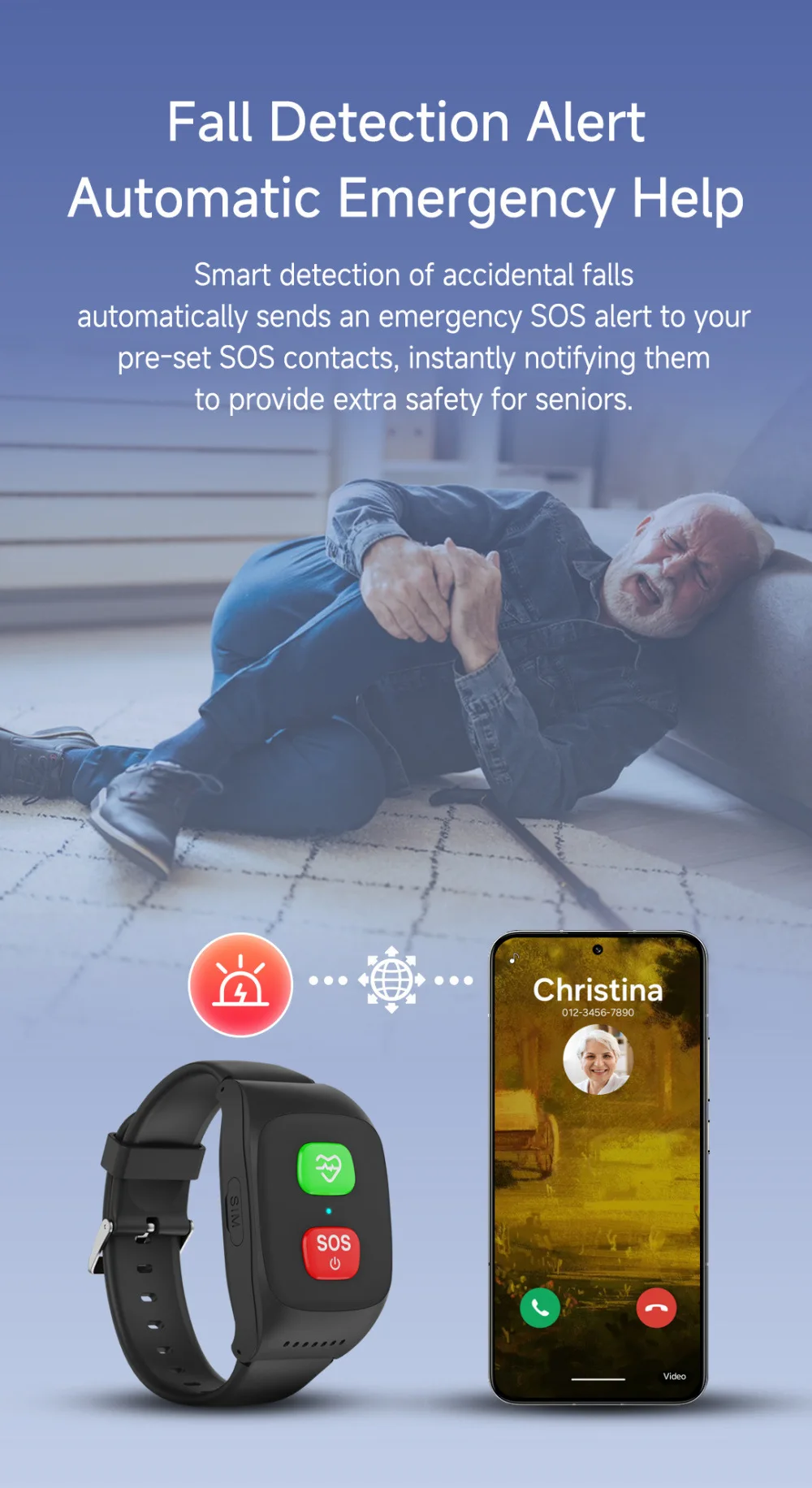
SOS button for help/ Fall alarm/ Take-off alarm
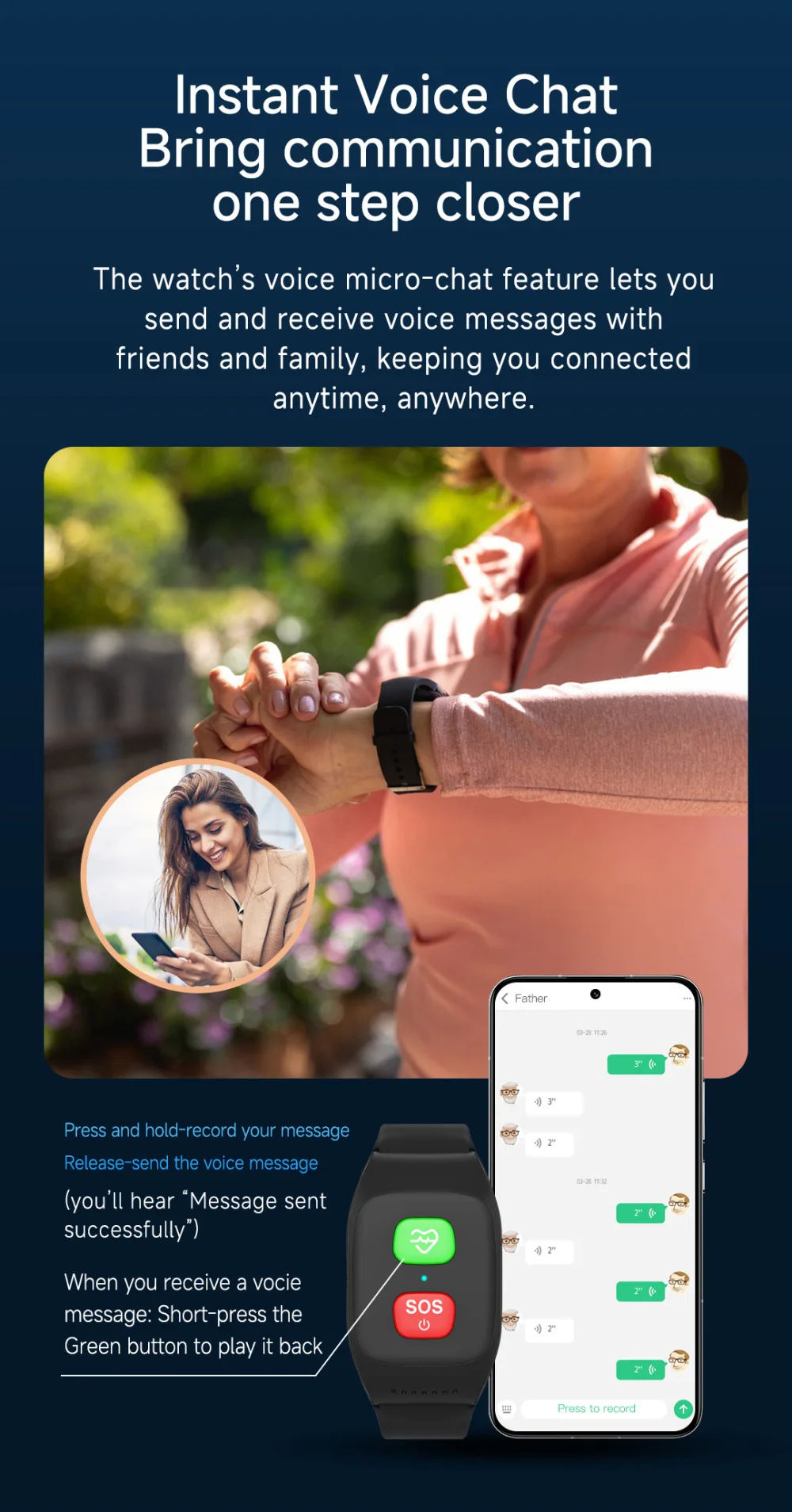
One clicks for a fast call
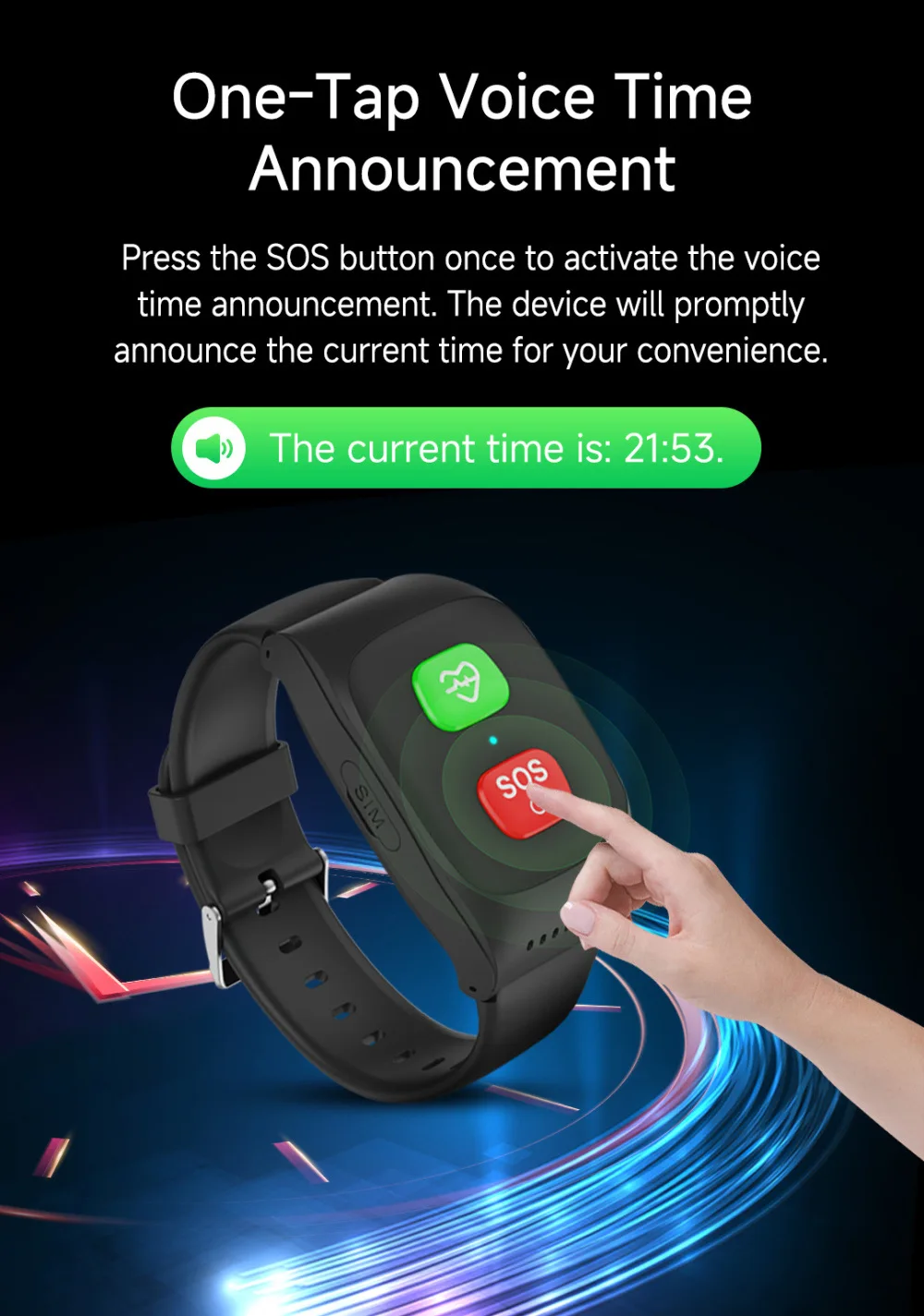
Talking clock
Low battery alarm
Ringtone to find the bracelet
GPS positioning accuracy:10-50m (open sky)
WIFI positioning accuracy:100-500m(Under WIFI range)
LBS positioning accuracy : 500~1000m
GPS is only can used for outdoor, the GPS positioning will automatically change to LBS/WiFi positioning in
indoor used.
A:
1. Please delete PIN code of sim card for this device. Check whether the SIM card in bracelet activate GPRS data plan. Make sure the bracelet is powered off when installing a SIM card.
2.
after you insert the sim card to the bracelet , check if it can have a call to the watch;
3.If you can call the bracelet, then send SMS pw,123456,ts# to the bracelet, if there is a reply, the network positioning is normal, that is the problem of anp, and apn needs to be set.
3. If you can't make a call to bracelet, the device does not recognize the card, check if the sim card is inserted in the wrong direction, and whether it's the order of inserting the sim card first and then turning it on.